Games feel slow
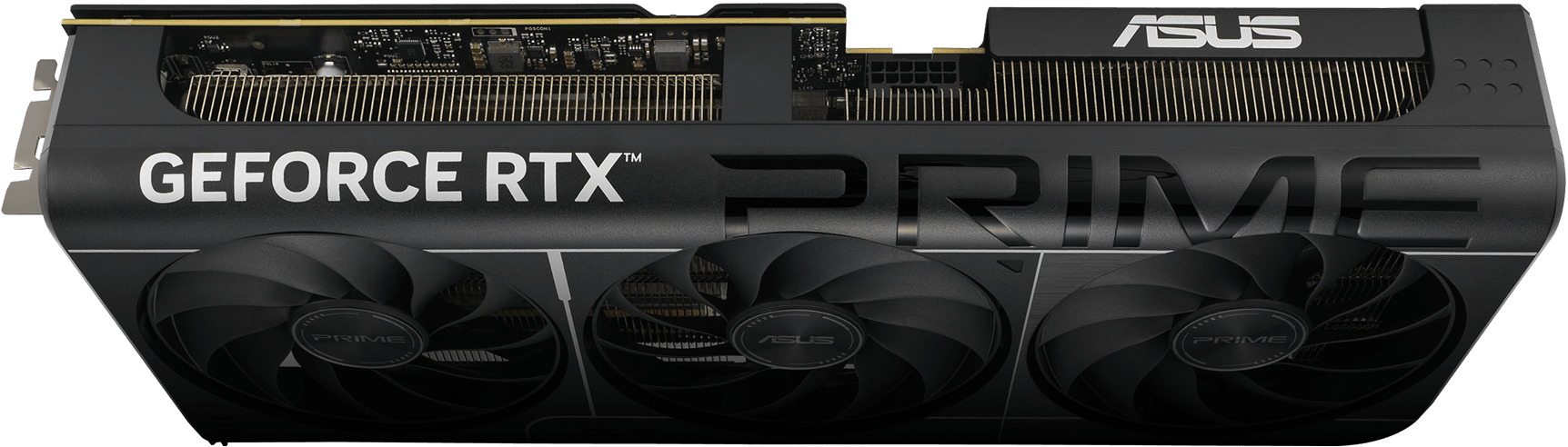
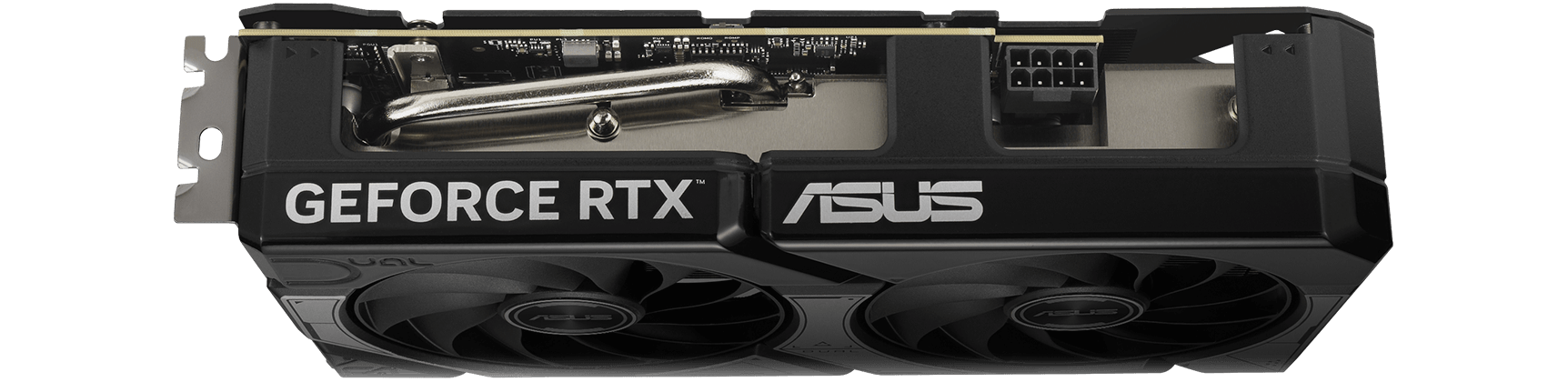
Compare graphics cards for your resolution. Check independent game tests, then look at video memory, power, and case clearance.
Understand GPU specsA clear, side-by-side look at the hardware
that goes into your next PC.
Choose an upgrade around the work you actually do.
Compare graphics cards for your resolution. Check independent game tests, then look at video memory, power, and case clearance.
Understand GPU specsFor rendering, compiling, or editing, compare CPUs using tests of your applications. Confirm motherboard and BIOS support.
Understand CPU specsRAM gives active apps more working space. An SSD stores your files and games. Check which one you need before buying.
Check the CPU socket, motherboard support, and RAM generation.
Confirm card length, cooler clearance, and the power supply’s connectors.
Capacities and partner designs can differ. Follow the source links and verify the version you plan to buy.